SiteView allows you to create custom Unit Categories and add units within each category.
Follow the steps below to create a new unit.
1. Open the Unit Category Dialog
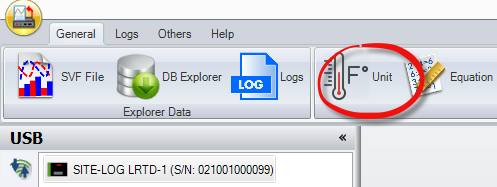
Click Unit on the main SiteView toolbar.
This opens the Unit Category dialog.
2. Create a New Unit Category
Click Unit Category to create a new category.

3. Add Units to the Category
Enter a name for the new Unit Category.
Then enter the required information for each unit in the available rows.
After you have finished adding the units, click OK.
SiteView will save the new Unit Category together with the units you entered.
