You can change the number of decimal places displayed for a unit in the Unit Category dialog.
1. Open the Unit Category Dialog
Click Unit Category on the main SiteView toolbar.
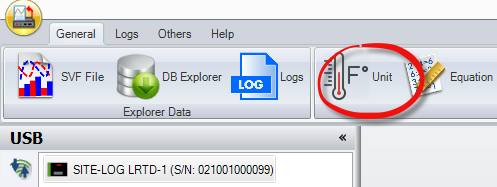
2. Change the Decimal Place Setting
In the Unit Category dialog:
- Select the desired unit category from the Unit Category List.
- Locate the unit you want to modify.
- Change the value in the Decimal Place field.
- Click OK to save the change.

SiteView will display readings for that unit using the selected number of decimal places.